

How to Create Website – A Complete Beginner’s Guide
Introduction
Creating a website has become easier than ever before. Whether you want to start a business, share your ideas, build a personal brand, or earn online, learning how to create website professionally is one of the most powerful skills you can develop today. In this guide, you will learn how to create website step by step, explore different types of websites, and discover the best methods to create website even if you have no technical experience.
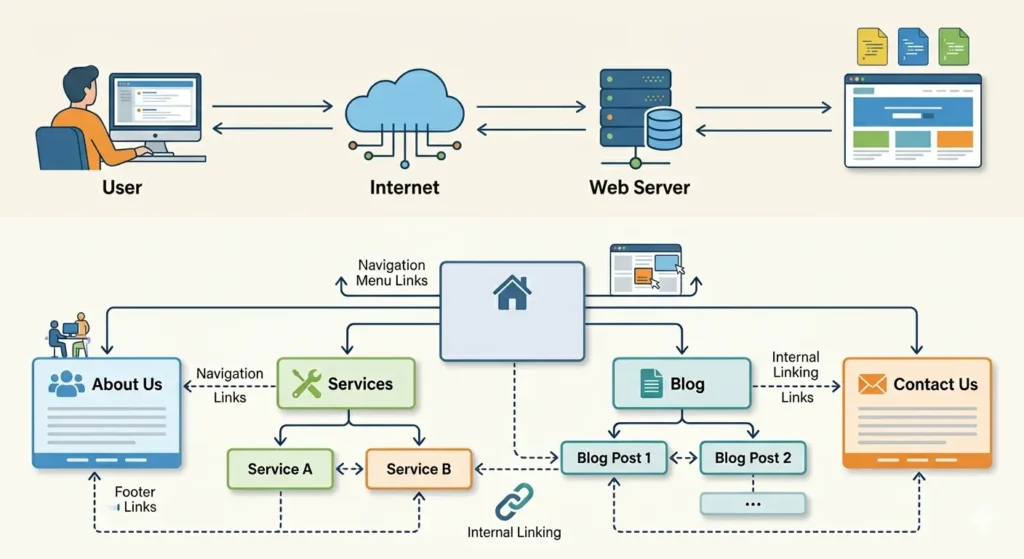
What is a Website?
A website is a collection of web pages available on the internet under a specific domain name. It allows individuals, businesses, and organizations to share information, sell products, provide services, or connect with audiences worldwide.
Today, websites are used for:
The best part is that you no longer need advanced coding skills to create a professional website.
Types of Websites
Before creating a website, it is important to understand which type suits your goal.

Business Website
A business website represents a company online. It includes services, contact details, testimonials, and company information. Ideal for agencies, startups, and service providers.

Blog Website
A blog website focuses on publishing articles, tutorials, news, or informational content. Bloggers often earn through ads, affiliate marketing, or sponsored posts.

E-Commerce Website
An eCommerce website allows you to sell products online. Customers can browse items, add them to carts, and complete purchases digitally.
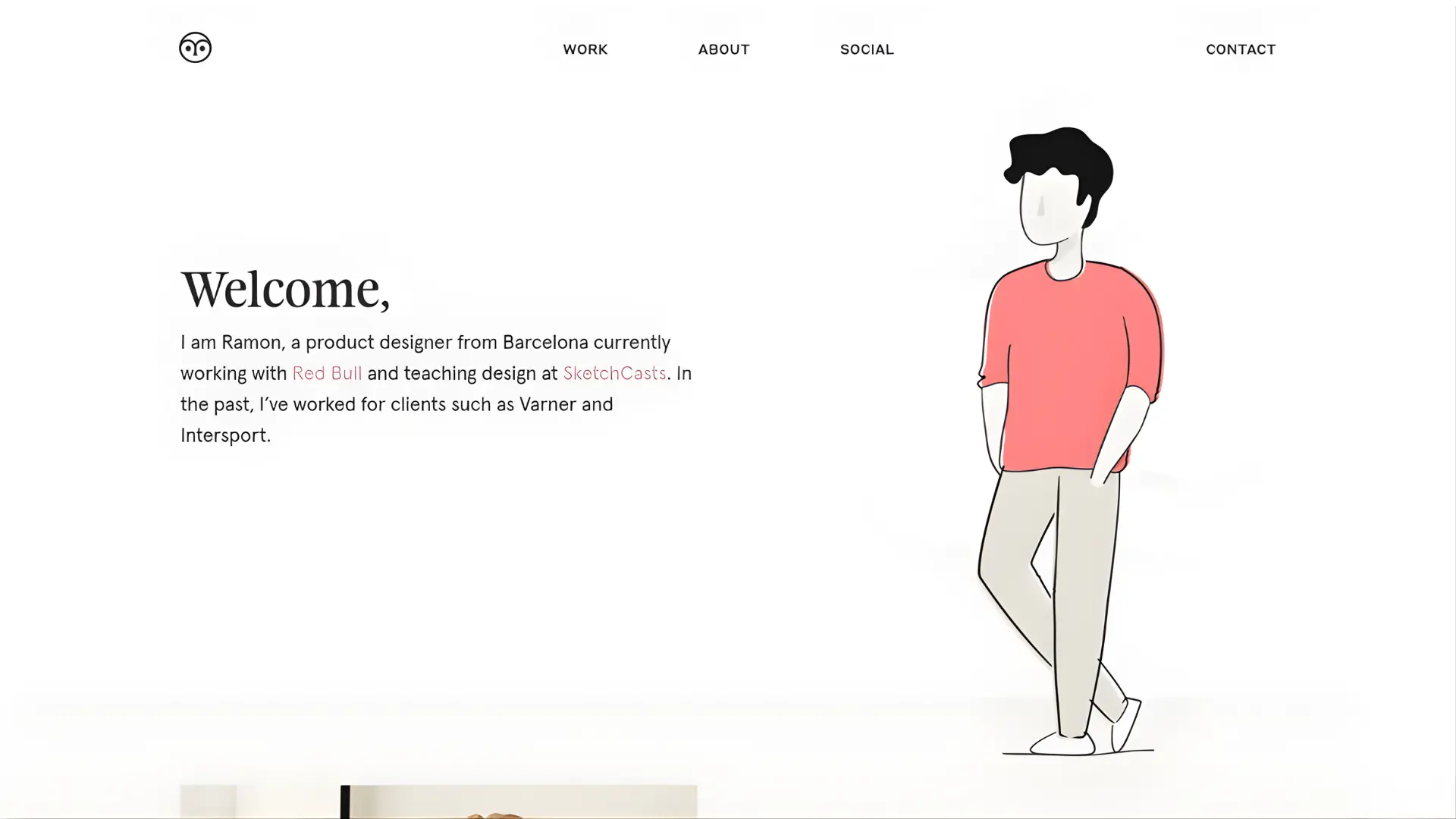
Portfolio Website
Perfect for freelancers, designers, developers, and photographers who want to showcase their work and attract clients.

Educational or Course Website
Used to sell online courses, tutorials, or training programs. Many creators generate passive income through learning platforms.
Methods to Create a Website
Now let’s explore the main methods you can use to build a website.
Method 1: Create a Website Using Website Builders (Beginner Friendly)
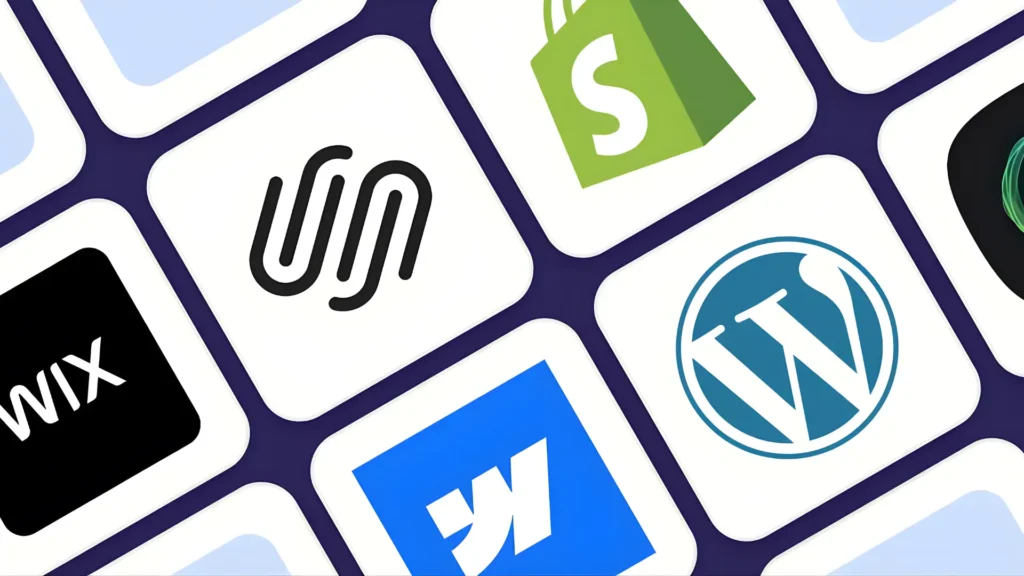
Website builders are the easiest option for beginners.
Popular platforms include drag-and-drop builders where you simply choose a design and customize it without coding.
Steps:
Best for beginners who want quick results.
Method 2: Create a Website Using WordPress (Most Popular Method)
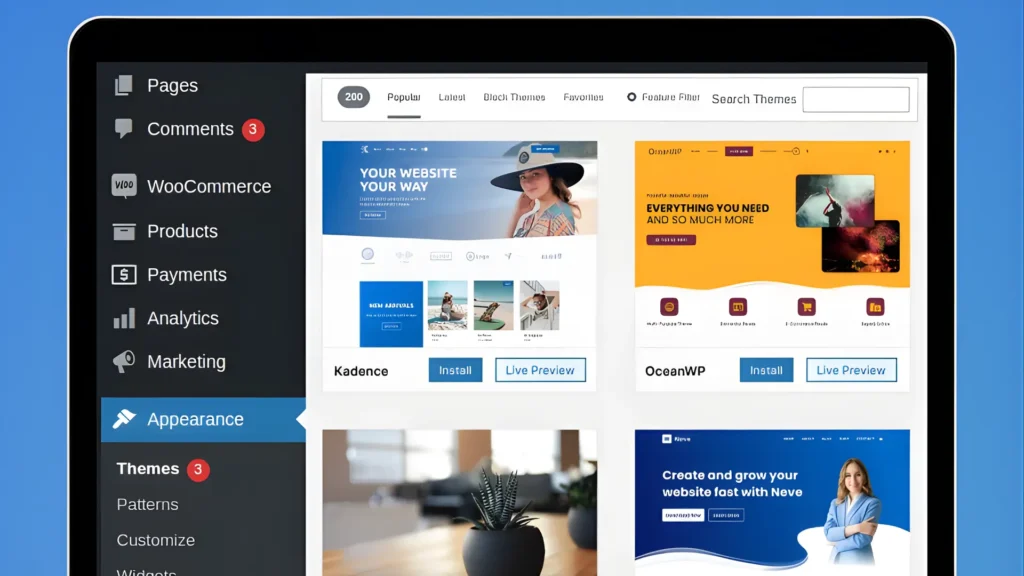
WordPress powers a large percentage of websites on the internet because it offers flexibility and control.
Steps:
WordPress is ideal for blogs, business websites, and online earning projects.
Method 3: Create a Website Using Coding (Professional Method)
If you want full customization, you can build a website using programming languages such as:
Steps:
This method gives complete control but requires technical skills and development experience.
Method 4: Hire a Web Developer

If you do not want to build the website yourself, you can hire a professional developer or agency.
This method is best when:
However, it usually costs more compared to DIY methods.
Essential Things Needed to Create a Website
No matter which method you choose, every website requires these basic elements:
Tips for a Successful Website
Consistency and learning are the keys to growing a successful website.
Final Words
Now you understand how to create website, the types of websites available, and the different methods you can use depending on your goals and skills. Learning how to create website today can open doors to online business opportunities, personal branding, freelancing, and passive income.
If you truly want to master how to create website professionally and learn step-by-step skills — from domain setup to website designing, SEO optimization, and online earning — then it is time to learn the complete process properly.
If you want to create website like a professional and build real online income skills, enroll in our complete website creation course today and start building your future online.